ATLAS/Systems / Ground

Ground.

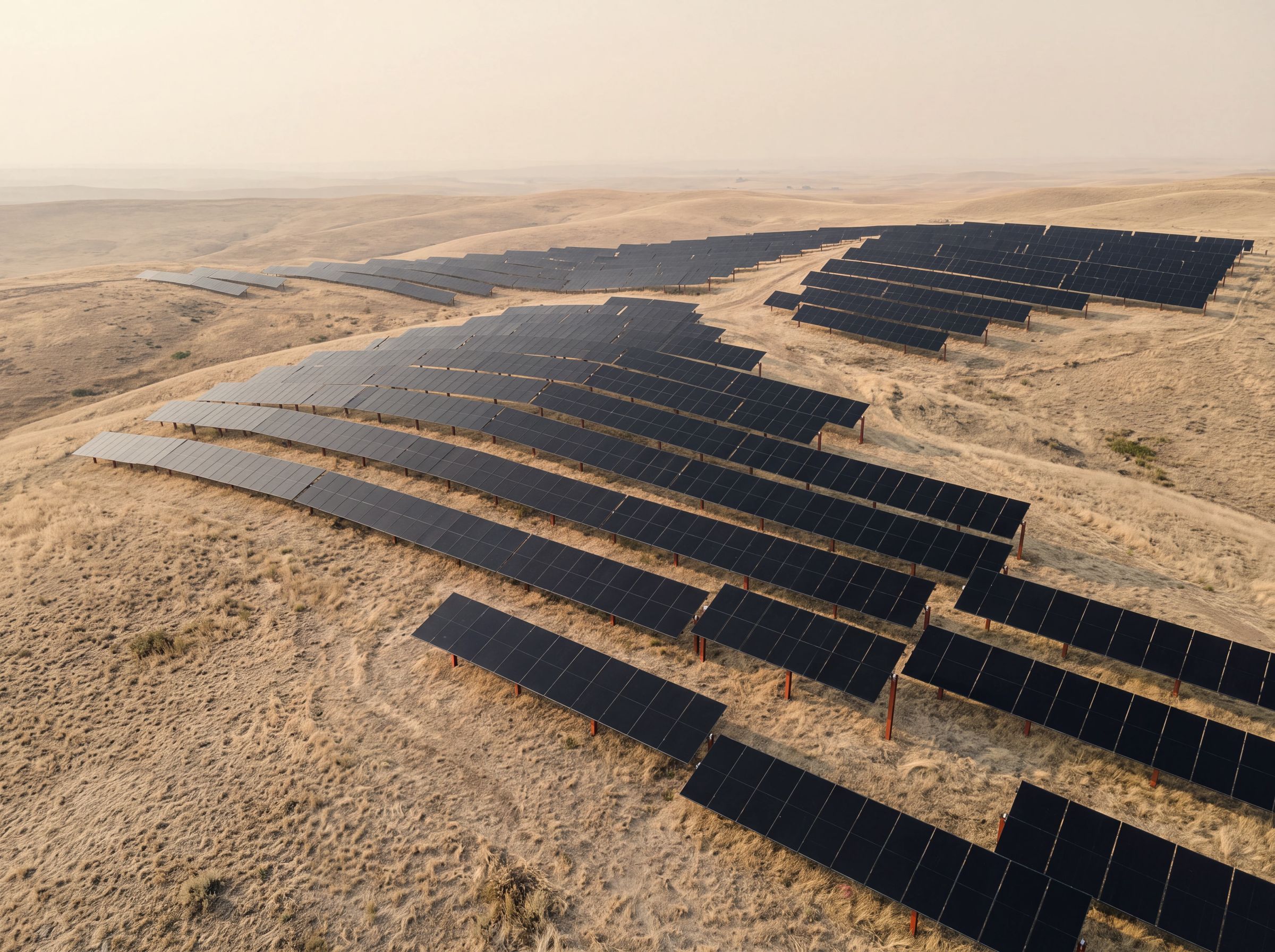
Fixed-tilt tables laid out to the land, rather than the land to the layout.

System 01

Built for the field you have.

Real sites slope, dip and change soil halfway down a row. Ground starts from the survey and sets each table to the grade and ground it stands on.

Configure

Set the table to the land.

Change the grade and the tilt. The table stays where it should be; the posts take up the difference.

Front post—
Rear post—

Illustrative. Not engineering output.

01 / Post

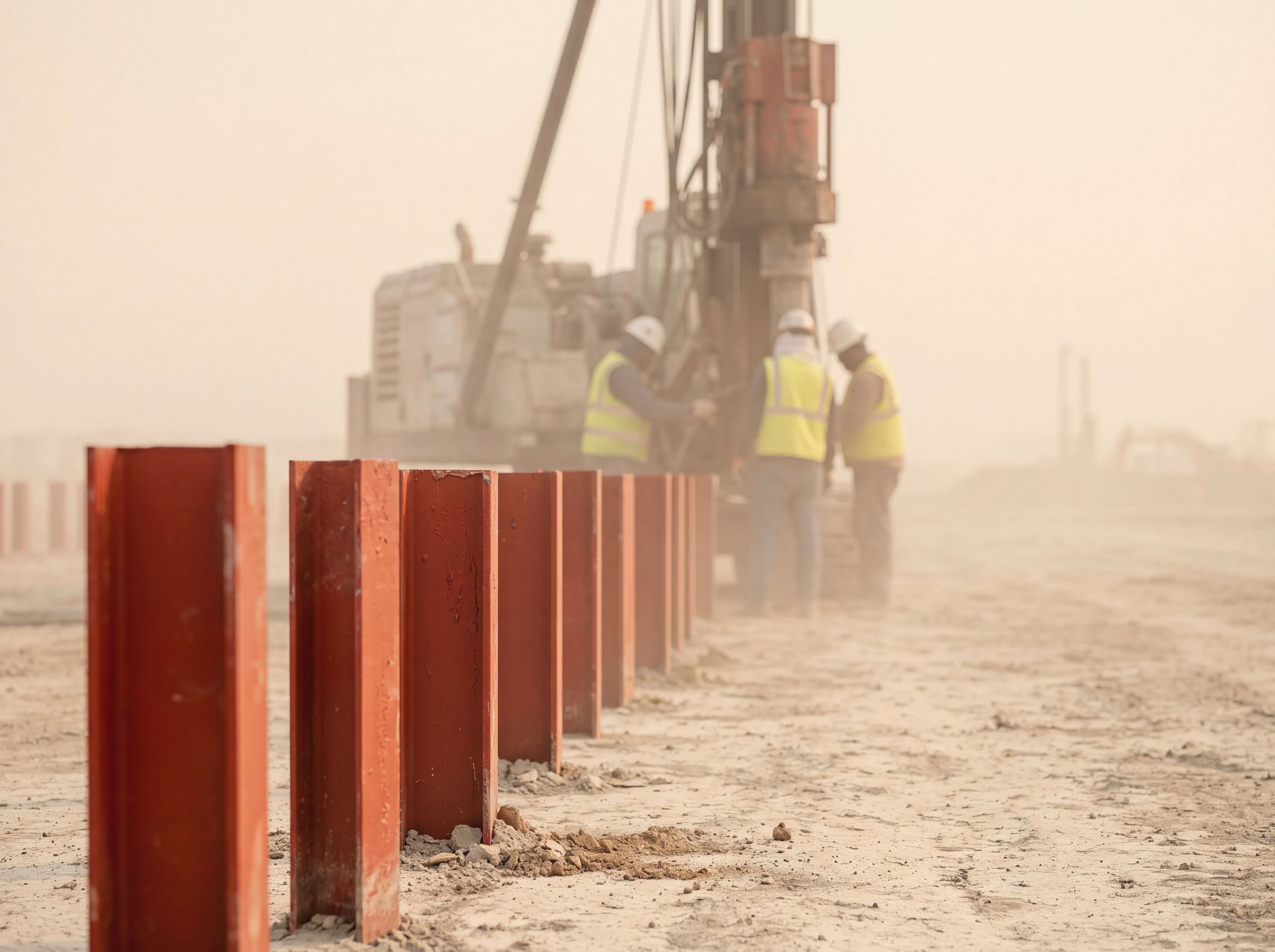
Driven or set to the soil

Foundation chosen in design from the site's geotechnical data.

02 / Table

Fixed tilt, set to the grade

Rows step with the land instead of the land being cut flat.

03 / Kit

Posts, rails and clamps as one

Designed as a single kit, labeled in install order.

Vermilion steel posts newly driven into the ground with a pile driver behindFoundation
Specification

What you specify.

ApplicationUtility, community and commercial ground arrays
StructureFixed-tilt tables
FoundationSelected per site from survey data
TerrainRows set to slope and grade
Design loadsCalculated for each site's wind, snow and seismic conditions
DeliveryKitted and labeled in install order
DocumentsDesign package and install guide per project
A ground array following rolling hillsRows set to the land
Questions

About Ground.

Which ground is Ground designed for?

Open land at real grades. Each table is set to its site's slope and soil, and the foundation type is chosen in design from survey and geotechnical data.

Can rows follow the terrain?

That is the intent. Rows are designed to step with the grade, so the land needs less reshaping before install.

How will parts arrive?

Kitted to the layout and labeled in install order, so crews unpack in the sequence they build.

Have a field in mind?

Send the site and the size. We start with the ground.